
Easypay Mobile Wallet4.0.4 - App Store
You'll be able to see results in few seconds.
Publisher Description
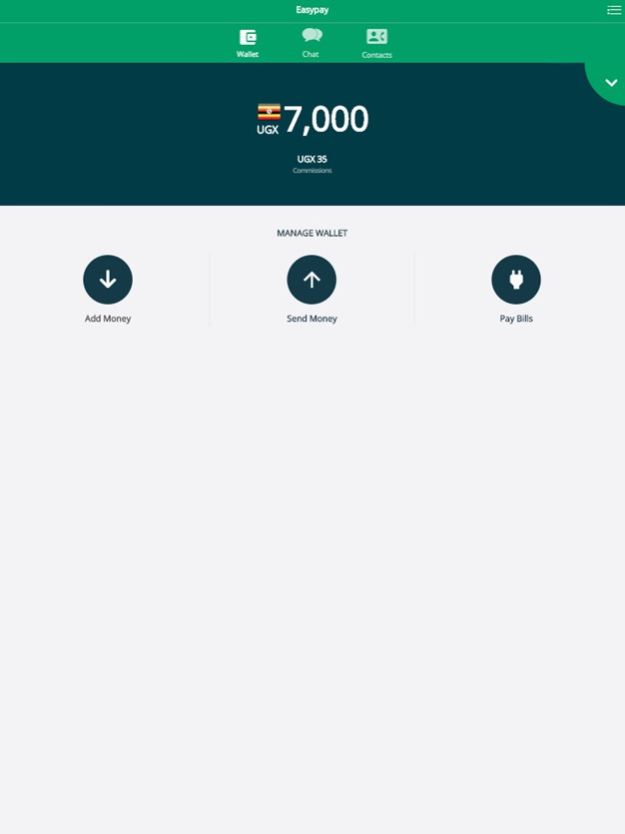
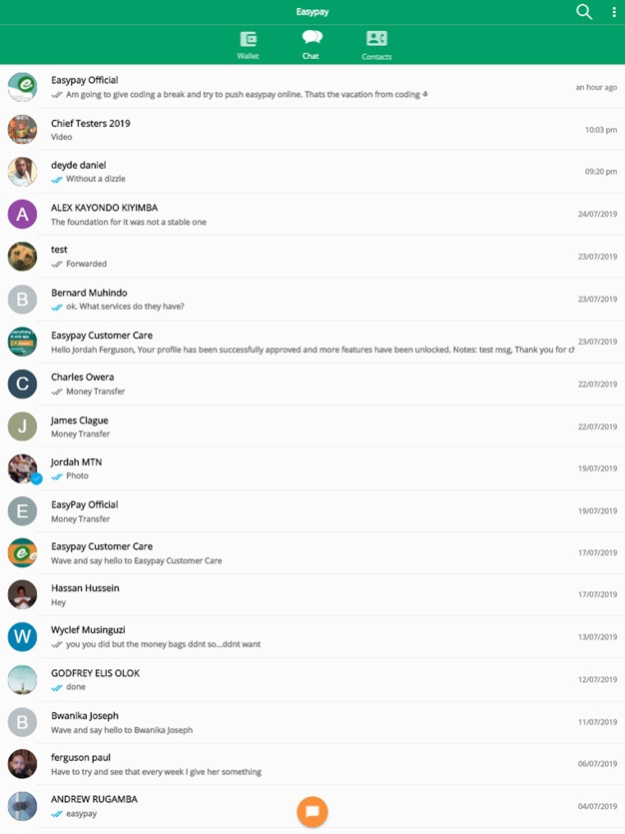
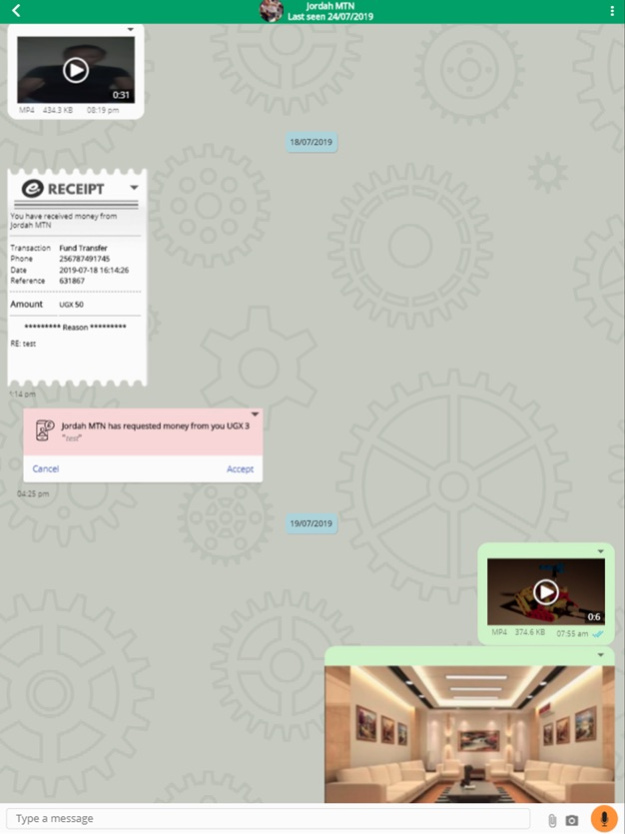
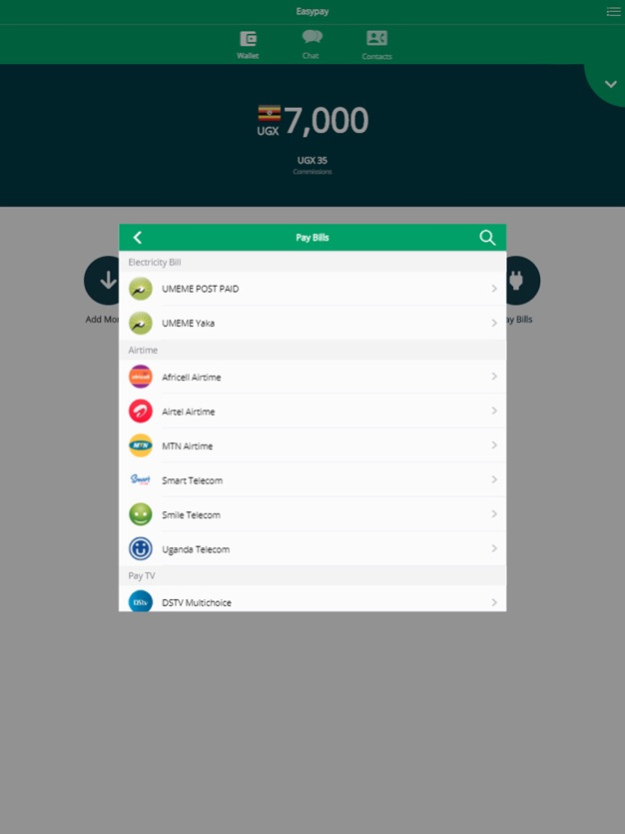
Easypay is a digital wallet that helps you make electronic commerce transactions with utmost convenience.
We work with all mobile money and bank institutions to ensure our clients get a smooth payment experience. Consolidate your financial and social needs in one place.
- Discover, connect & transfer money to your friends & family.
- Pay and track all your bills with real-time statements.
- Enable your business to accept mobile money payments.
- Cross-network mobile money transfers
- Accessible on Web, App and USSD - *270*26#
Messenger:
Communication usually happens before money transfer. Request and send money within chat.
Bill Payments:
Buy Airtime, data bundles, renew cable and pay your utility bills conveniently.
Business:
Have a store or stand? Expand your business to allow quick and convenient bill payments for your customers. As if that is not enough, Earn real-time commissions too for every bill you pay.
Dedicated Support
Our customers are king, we offer full-time support should any problem arise.
Jan 21, 2022
Version 4.0.4
- Added Airtel Data Bundles
- Added support for new mtn and airtel phone numbers eg 076.. & 074..
- Added lycamobile internet and airtime
- Improved Speed and responsiveness of app
- Added Automatic Agent Enrollment
About Easypay Mobile Wallet
The company that develops Easypay Mobile Wallet is Payline Holdings. The latest version released by its developer is 4.0.4.
To install Easypay Mobile Wallet on your iOS device, just click the green Continue To App button above to start the installation process. The app is listed on our website since 2022-01-21 and was downloaded 0 times. We have already checked if the download link is safe, however for your own protection we recommend that you scan the downloaded app with your antivirus. Your antivirus may detect the Easypay Mobile Wallet as malware if the download link is broken.
How to install Easypay Mobile Wallet on your iOS device:
- Click on the Continue To App button on our website. This will redirect you to the App Store.
- Once the Easypay Mobile Wallet is shown in the iTunes listing of your iOS device, you can start its download and installation. Tap on the GET button to the right of the app to start downloading it.
- If you are not logged-in the iOS appstore app, you'll be prompted for your your Apple ID and/or password.
- After Easypay Mobile Wallet is downloaded, you'll see an INSTALL button to the right. Tap on it to start the actual installation of the iOS app.
- Once installation is finished you can tap on the OPEN button to start it. Its icon will also be added to your device home screen.
Program Details
System requirements
Download information
Pricing
Version History
version 4.0.4
posted on 2022-01-21
Jan 21, 2022
Version 4.0.4
- Added Airtel Data Bundles
- Added support for new mtn and airtel phone numbers eg 076.. & 074..
- Added lycamobile internet and airtime
- Improved Speed and responsiveness of app
- Added Automatic Agent Enrollment
version 4.0.2
posted on 2021-09-13
Sep 13, 2021 Version 4.0.2
LycaAirtime showing up in biller list
version 4.0.1
posted on 2021-09-12
Sep 12, 2021 Version 4.0.1
Added LycaMobile Airtime
Added LycaMobile Internet
version 4.0.0
posted on 2021-08-15
Aug 15, 2021 Version 4.0.0
Faster performance
Fixed app appearing stuck
version 3.8.8
posted on 2019-12-10
Dec 10, 2019 Version 3.8.8
- Detailed shareable receipts
version 1.2
posted on 2016-09-17
Disclaimer
Official App Store Link
We do not host Easypay Mobile Wallet on our servers. We did not scan it for viruses, adware, spyware or other type of malware. This app is hosted by Apple and passed their terms and conditions to be listed there. We recommend caution when installing it.
The App Store link for Easypay Mobile Wallet is provided to you by apps112.com without any warranties, representations or guarantees of any kind, so access it at your own risk.
If you have questions regarding this particular app contact the publisher directly. For questions about the functionalities of apps112.com contact us.
